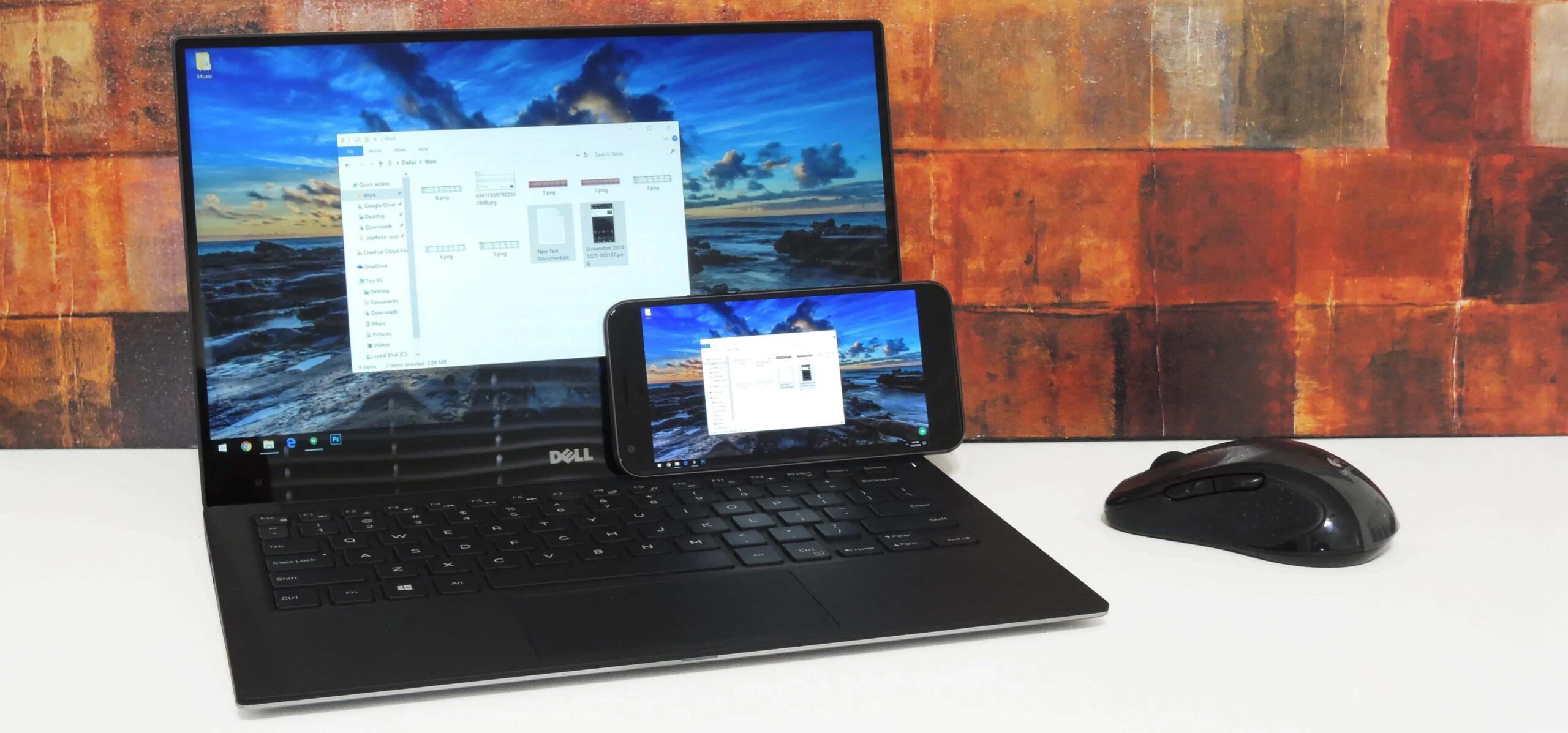
Microsoft appears to be working on a new feature for Link to Windows that could let users turn an Android phone or tablet into a second display for a Windows PC. Called Extend display, the feature could provide extra screen space for multitasking without requiring a separate third-party app. It has not been officially announced, but newly discovered references in the app's code suggest that Microsoft is preparing the foundations for it.
Turning an Android device into a second Windows screen
Once users become accustomed to working with more than one monitor, returning to a single display can feel restrictive. A spare tablet can offer a practical way to add screen space, and existing tools already make this possible. Apps such as spacedesk can use an Android device as an additional display, while Samsung offers its Second Screen feature on selected Galaxy tablets.
However, these solutions come with limitations. spacedesk requires a dedicated driver on the PC as well as an app on the Android device, while Samsung's option is limited to supported Galaxy tablets. Microsoft's apparent plan is to bring a similar capability into the Link to Windows ecosystem, potentially making setup more straightforward for users who already rely on Microsoft's phone-to-PC connection tools.
Windows Latest reported finding new strings in the Link to Windows app that refer to Extend display. The name suggests that the feature would extend the Windows desktop onto an Android phone or tablet, allowing the device to function as an additional screen rather than simply mirroring the PC display.
How could Extend display work?
The discovered code suggests that users may be able to start an extended-display session either from the Link to Windows app or directly from their PC. References to the H.264 and HEVC video codecs offer a clue about the underlying technology: the computer may encode its desktop output as a video stream, which the Android device would then receive and decode.
Video compression and streaming
H.264 is a widely used video compression standard. HEVC, also known as H.265, is a newer standard designed to deliver comparable visual quality at a lower data rate in many situations. Using either codec could help reduce the amount of data sent between the PC and the mobile device, an important consideration when streaming a desktop to a smaller screen over a network or cable.
The code also appears to reference controls for managing the secondary-display session, including Stop and Back buttons. These controls would give users a way to end the session or leave the extended-display view.
When would a session end?
Based on the discovered references, a session may end if the user presses the Back button twice, the PC is locked, the connection between the two devices is interrupted, or the receiver on the Android device encounters an error. The code also reportedly includes a timeout screen if the first video frame does not appear within 60 seconds. These details point to a session-based design that accounts for connection failures and playback problems, although the final behavior could change before release.
Android compatibility and connection method are still unknown
Important technical questions remain unanswered. The code references do not establish whether the PC will send the display over Wi-Fi, USB, or both. The connection method could affect latency, image quality, setup requirements and whether the feature is practical while travelling.
It is also too early to say which Android phones and tablets will be supported. Some Link to Windows and Phone Link capabilities are restricted to selected manufacturers and models. For example, Phone Link's existing phone-screen mirroring support is available on certain devices from Samsung, HONOR, OnePlus, OPPO, realme, ASUS, vivo, iQOO and Xiaomi. That list should not be taken as confirmation of compatibility with Extend display.
Until Microsoft publishes its requirements, there is no basis for assuming that every Android phone or tablet will be able to act as a Windows monitor. Support may depend on device hardware, Android version, manufacturer software or other technical requirements.
Part of Microsoft's broader Windows–Android push
Extend display would fit into Microsoft's wider effort to make Windows and Android work more closely together. The company has also recently made it possible to search for and launch Android phone apps from the Windows 11 search interface in an Experimental Preview build of Windows Insider.
Together, these developments suggest that Microsoft is looking beyond basic notifications and file access, aiming to make an Android device a more integrated companion to a Windows PC. An additional-display feature could be especially useful for people who own an older Android tablet and want more workspace without buying another monitor.
What to expect next
For now, Extend display remains an unannounced feature under development. The code references provide an early indication of Microsoft's plans, not a guarantee that the feature will ship in its current form. The company has yet to confirm a release date, supported devices, connection options or whether the feature will be available broadly.
If released with wide device support and a simple setup process, Extend display could offer a convenient alternative to dedicated second-screen apps. Until Microsoft shares official details, however, Android users will need to wait before knowing whether their devices will be compatible and how well the feature will perform.